Hand-offs that actually happen.
The reason OnArk works on a Sunday: when a guest hits a step, the right pastor knows instantly.
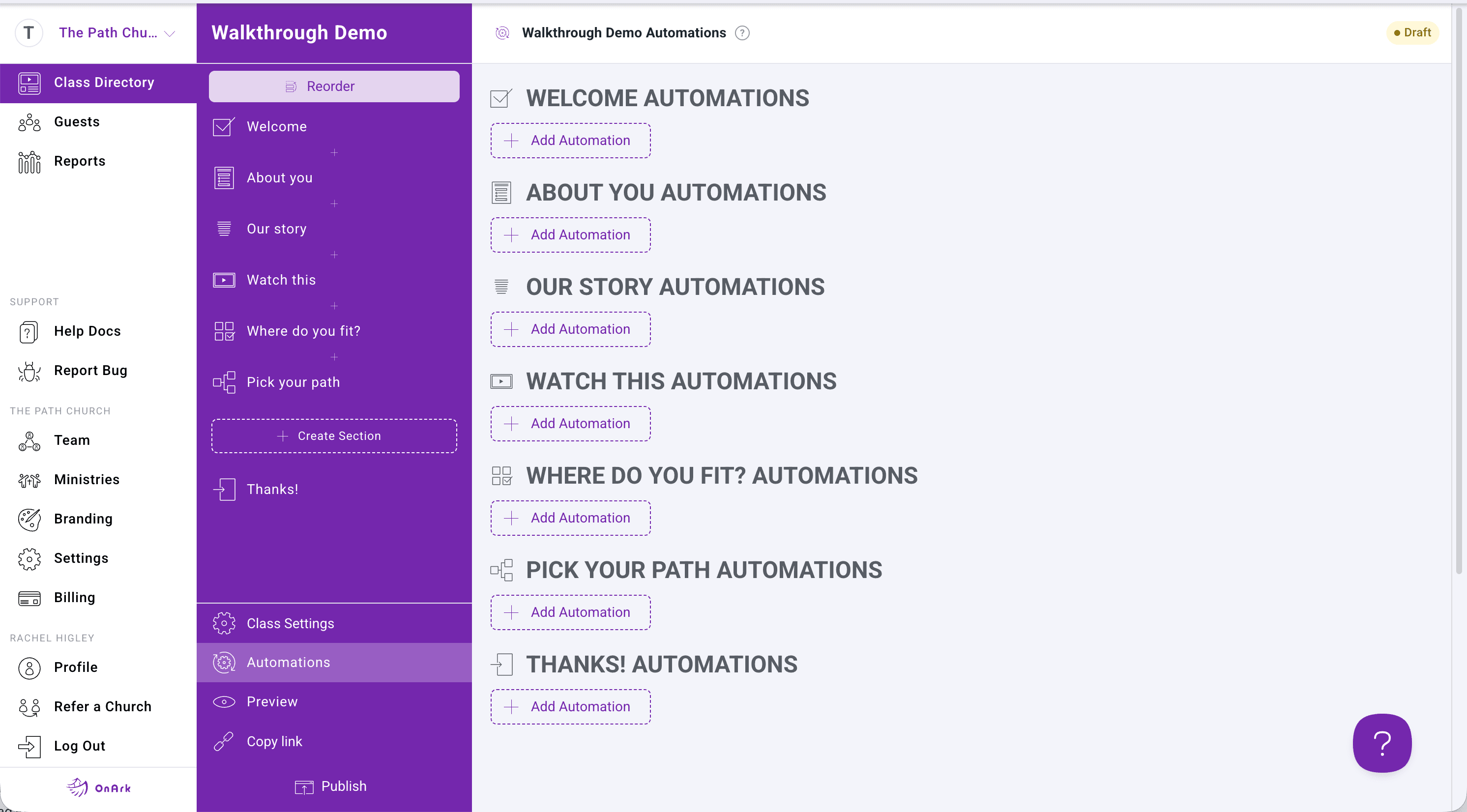
The OnArk admin — captured from a real church account.
The "what happens next" problem is what kills most growth tracks. A guest finishes a class, the data sits in a database, nobody follows up, the person ghosts. OnArk's automation system is built specifically to close that gap — every class can have multiple automations attached to multiple triggers (check-in, section complete, course complete, specific answer to a specific question).
The most common automation is the simplest: when a guest completes the class, email the team lead. The email includes the guest's name, contact info, and which class they finished. Conditional version: if they answered "yes" to "are you ready to lead a small group?", email the leadership pastor instead of the general team.
Planning Center automations are where the platform earns its keep. Adding a finisher to a PCO Workflow, writing a test result to a custom field, assigning them to a specific pastor in PCO — all hooked to the same trigger system, all happening within minutes of the guest finishing.
- Email automations to admins (pastor / team-lead notifications)
- Add finishers to Planning Center Workflows
- Save form answers + test results to PCO custom fields
- Conditional automations based on form responses
- Triggers on check-in, section complete, course complete
- Real-time sync (within minutes)
Included on every plan.
“We were growing but seeing people falling through the cracks and not attending in person training. We moved it online and we've seen our serve team double in a few months.”
Bobby · Discipleship / Next Steps · MyLife Church · 250–500 weekly
Spiritual Gifts, DISC, Enneagram, custom.
Pre-built assessments score themselves. Customize length and routing. Results route guests into the right ministry team automatically. All four tests are included on every plan.
03 · FormsForms that branch like a real conversation.
Eleven input types covering everything from short text and dropdowns to file uploads and team-suggestion components. Required-field validation, branch logic on any answer, full PCO field mapping.
Try automations in your first class.
Build free. Every feature unlocked. You only pay when you publish to your church.