Your church's brand, not ours.
Logo, colors, fonts, copy, URL — every visible thing is yours. OnArk's brand stays out of the way.
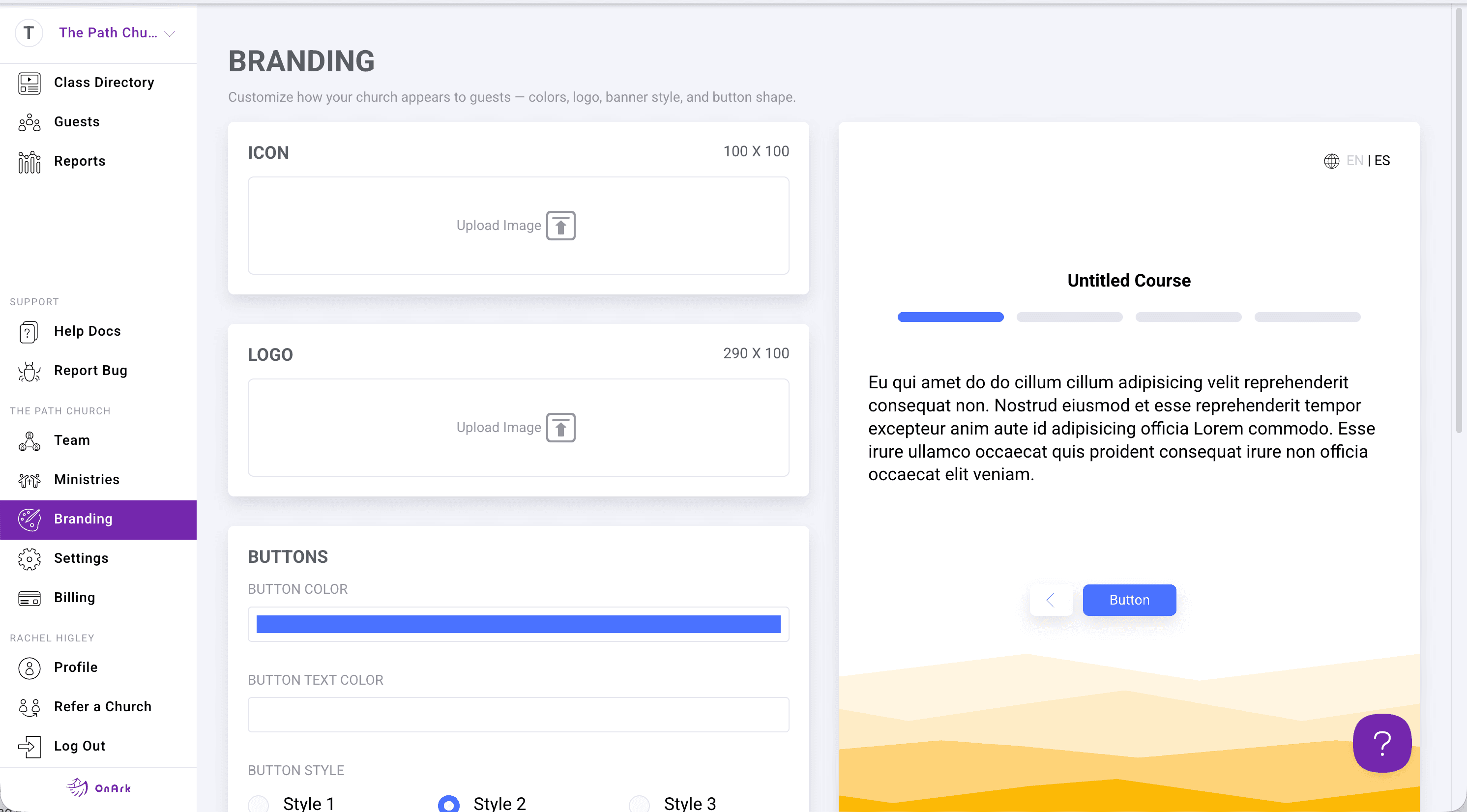
The OnArk admin — captured from a real church account.
A growth track is one of the most personal things a church does. Putting it on a generic SaaS interface signals to guests "this isn't really us." OnArk is built to disappear behind your brand: upload your logo, set your primary color, pick your font from Google Fonts, and customize the copy on every screen a guest sees.
URLs work the same way. By default classes live at onark.app/your-church-slug/class-slug — clean and shareable. On paid plans you can point a custom domain at OnArk (classes.yourchurch.org, say) so guests never see the onark.app hostname at all.
Multi-campus churches get a campus-level layer on top: each campus can have its own logo and brand color, and the campus selector at check-in lets guests self-identify so their record syncs to the right Planning Center campus.
- Custom logo, brand colors, fonts
- Custom domain (paid plans)
- Per-class URL customization
- Hide classes from public directory
- Edit copy on every screen guests see
- Campus-specific branding for multisite churches
Included on every plan.
“In just a couple months we added more new volunteers and members than we had all last year without OnArk.”
Johnny · Lead Pastor · Discover Church · 100–250 weekly
Drop in videos guests actually watch.
YouTube, Vimeo, or direct upload. Add timestamp-based question prompts that appear inline as the video plays — guests answer without pausing, answers feed into Planning Center automatically.
03 · FormsForms that branch like a real conversation.
Eleven input types covering everything from short text and dropdowns to file uploads and team-suggestion components. Required-field validation, branch logic on any answer, full PCO field mapping.
Try customizations in your first class.
Build free. Every feature unlocked. You only pay when you publish to your church.